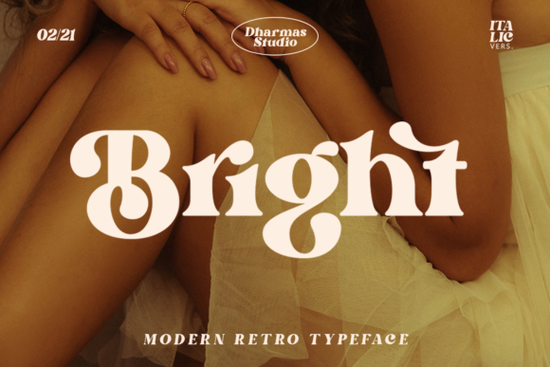
If you're working on a design that needs a touch of the 60s or 70s, Bright Font is a stylish serif that brings both a modern and retro feel. It’s clear, bold, and fun – exactly what you want for layouts that call back to those decades. With over 50 unique alternates and ligatures, this PUA-encoded font gives you plenty of flexibility to create a distinctive vintage look without extra editing.
What makes Bright Font different from other serif fonts?
Most serif fonts lean either toward classic elegance or modern minimalism. Bright Font sits somewhere in between – it has the readable structure of a serif but with a playful, rounded edge that feels retro without being overdone. The alternates and ligatures let you switch up letters easily, so your text never looks repetitive. Whether you’re designing a poster, a logo, or product packaging, this Bright Font gives you options to make each word unique.
How can I use Bright Font in my projects?
This font works well for:
- Print-on-demand products – t-shirts, mugs, tote bags, and posters that need a nostalgic feel.
- Branding for small businesses – think coffee shops, record stores, vintage boutiques, or anything with a mid-century vibe.
- Social media graphics – bold headlines that stand out with a friendly, hand-drawn quality.
- Wedding or event invitations – the alternates let you create elegant yet playful text for save-the-dates or menus.
- Layouts for magazines or zines – especially if you want a look that’s clear but not stiff.
Because Bright Font is PUA encoded, you can access all those extra characters easily in software like Canva, Adobe Illustrator, or Photoshop – no special tricks needed.
Is Bright Font good for body text or only headlines?
It’s designed more for display use – headlines, titles, and short phrases – rather than long paragraphs. The bold, chunky serifs make it stand out in larger sizes, and the alternates shine when you want each letter to feel slightly different. For longer text, you might pair it with a clean sans-serif to keep readability high.
How does it compare to other vintage serif fonts?
If you like the 60s/70s aesthetic, you probably already know that not all retro fonts are easy to read. Bright Font keeps its letters clear and well-spaced, so you get the nostalgic look without sacrificing legibility. For other options with a similar vibe, you could check out vintage-inspired serif fonts that have that worn-in feel, or playful, rounded serifs that also bring a retro energy. Each has its own personality – Bright Font is one of the more versatile ones because it balances modern clarity with retro quirks.
What kind of alternates and ligatures does it include?
The set has over 50 alternates and ligatures. That means you get:
- Multiple versions of several uppercase and lowercase letters (like A, E, G, R, S).
- Common ligatures (fl, fi, ff, etc.) that blend smoothly.
- Some special stylistic sets that add swashes or tail flourishes.
You can replace regular letters with these alternates to create a more organic, handcrafted look. For example, the "R" has a tail that curls under, or the "S" can be more curly. Experimenting with these is half the fun – you can make each word feel one-of-a-kind.
Can I use Bright Font for commercial projects?
Yes, when you purchase it on Creative Fabrica, it comes with a standard commercial license. That means you can use it in products you sell (t-shirts, prints, digital templates) as long as you follow the license terms. Always double-check the specific license for any font, but Bright Font is safe for most small business and print-on-demand needs.
Quick checklist before using Bright Font in your next project
- Test the alternates early – open the font’s character map and pick a few alternates you like; don’t wait until the end of your design.
- Pair it with a simple sans-serif – for body text, use something like Helvetica or Open Sans to keep the focus on your Bright headlines.
- Use it at larger sizes – it works best at 24pt and above. Below that, the retro details can get lost.
- Limit the number of alternates per word – too many swashes can make text hard to read. Choose one or two letters per word to emphasize.
- Export as high-res PNG or PDF – to preserve the ligatures and alternates in your final file.
- Preview with a mockup – place your text on a t-shirt or poster mockup to see how the retro vibe really lands.
Next time you need a font that feels both bold and nostalgic, take a closer look at Bright Font’s details – it might be exactly what your layout needs. With its easy-to-use alternates and clean retro style, it saves you time while giving your projects a unique, handcrafted touch.
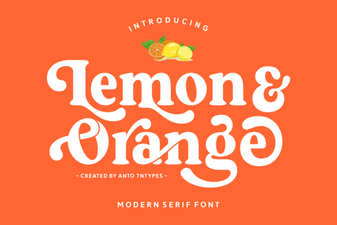 Fresh Citrus Fonts for Vibrant Design Projects
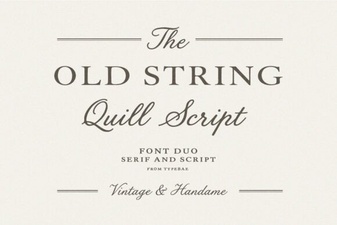 Design Tips for Vintage Typography Projects
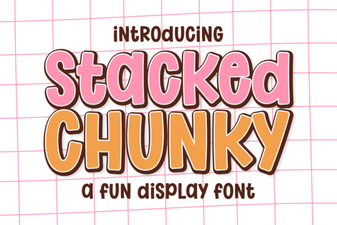 Chunky Font Designs for Creative Projects
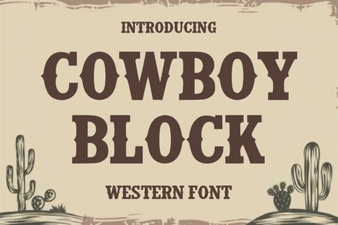 Cowboy Fonts for Rustic Designs & Creative Projects
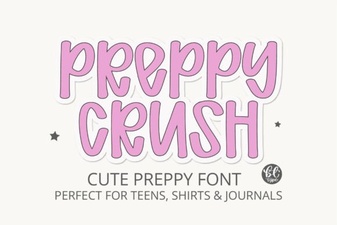 Preppycrush Font: a Fun Retro Design Resource
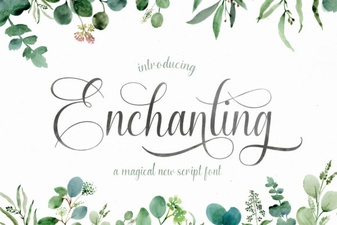 Fonts for Creative & Enchanting Design Projects