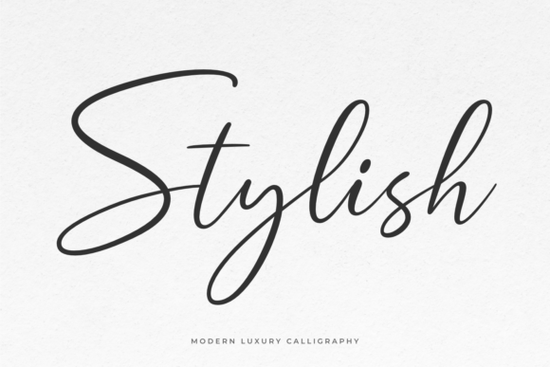
If you work with typography for branding, invitations, or social media graphics, finding a font that balances elegance with readability can be tricky. The Stylish Font aims to solve that it's a graceful, modern calligraphic typeface with a natural rhythm that makes compositions feel polished without being overly ornate.
What makes Stylish Font different from other script fonts?
Many script fonts look either too stiff or too messy. Stylish sits in a sweet spot: the letterforms flow smoothly, but each character remains distinct. This makes it practical for body text in wedding invitations or for headlines on product packaging. Because it’s PUA encoded, you can access all the extra swashes and alternate glyphs without needing special software just type and pick the variation you want.
If you’re a print-on-demand seller, this font works well for t-shirt quotes or mugs where you want a hand-lettered feel. Designers building a brand identity for a boutique or a lifestyle blog will appreciate how easily Stylish pairs with clean sans serifs.
How does Stylish compare to other script fonts I might already use?
When you’re choosing a calligraphic font, you often look at options like Autography or Monday. Autography has a bolder, more casual vibe it’s great for fun, youthful projects. Monday leans towards a classic copperplate style, which is perfect for formal stationery. Stylish sits between them: modern enough for digital use but with enough curve detail to feel handcrafted.
Another popular choice is Smithson, which is more condensed and works well for tight spaces. If you need something delicate, Wonderful Butterfly offers a very airy, whimsical look. For a completely different direction, Thick provides a bold, chunky script that stands out on posters. Stylish gives you that middle ground it’s refined without being fussy.
Tip: When comparing script fonts, layer them on a mockup to see how they behave in real layouts. Stylish’s consistent slant and spacing make it predictable during editing.
Can Stylish Font be used for both digital and print projects?
Absolutely. The font’s clean curves hold up at small sizes on screens (like web graphics or Instagram stories) and look crisp when printed at larger scales for business cards or signage. Because it includes both standard ligatures and swash variants, you have flexibility to create a formal look or a casual one just by swapping a few characters.
For example, use the default letters for paragraph text in a menu, then switch to a swashed “S” or “R” for the title. This kind of versatility saves time you don’t need to buy multiple fonts for one project.
What types of projects benefit most from a calligraphic font like Stylish?
- Branding for creative businesses: Logos, watermarks, and social media headers.
- Event stationery: Save-the-dates, programs, and thank-you cards.
- Print-on-demand products: Totes, notebooks, and phone cases.
- Web graphics: Quote posts, e-book covers, and blog headers.
If you’re a small business owner who designs your own marketing materials, Stylish saves you from spending hours trying to replicate calligraphy by hand. A few clicks and you have a consistent, professional look.
How do you access the extra swashes and glyphs?
Because Stylish is PUA encoded, you can open the font in any design software that supports glyph panels (like Adobe Illustrator, Photoshop, or Affinity). Simply select a character, open the Glyphs panel, and double-click the swash or alternate you want. There’s no need to memorize keyboard shortcuts it’s visual and quick.
For crafters using Cricut or Silhouette machines, PUA encoding means the swashes show up in the character map. You can type your phrase, then swap out letters directly in the design software before cutting. This is especially helpful for personalized gifts or signage.
Practical checklist before you buy
- Check if the license covers your use (personal vs. commercial).
- Test the font in a short sentence to see how ligatures and swashes behave.
- Compare it with other script fonts you own does it fill a gap in your library?
- Download the PUA version to ensure full glyph access.
If you’ve been searching for a script that feels both modern and elegant, give Stylish Font a try. Pair it with a clean sans serif like Thick for contrast, or use it solo for a hand-lettered vibe. Either way, you’ll have a reliable tool for creating classy compositions in minutes.
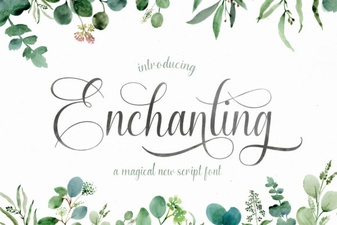 Fonts for Creative & Enchanting Design Projects
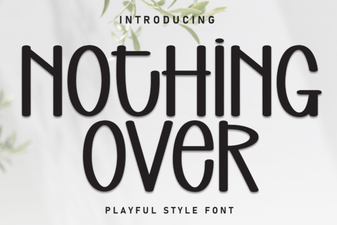 Minimalist Design Without Overusing Fonts
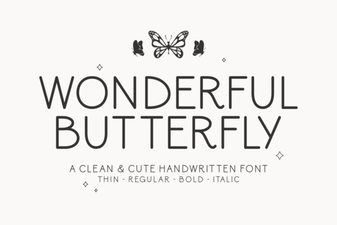 Creative Butterfly Font Design Ideas & Uses
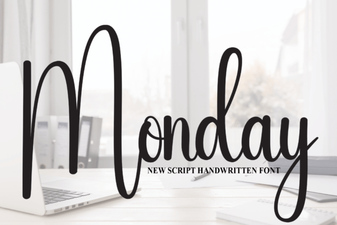 Monday Font: Clean Typography for Creative Workflows
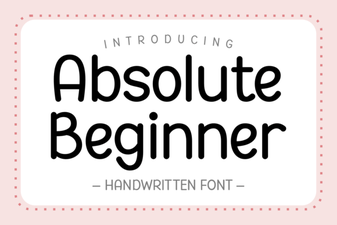 Free Fonts for Your First Design Project
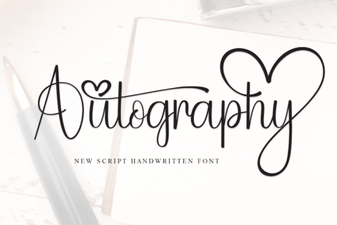 Autography Font for Distinctive Brand Design